|
Hard realtime control of an oscillating-LED-wand sign with JStamp |
|
|
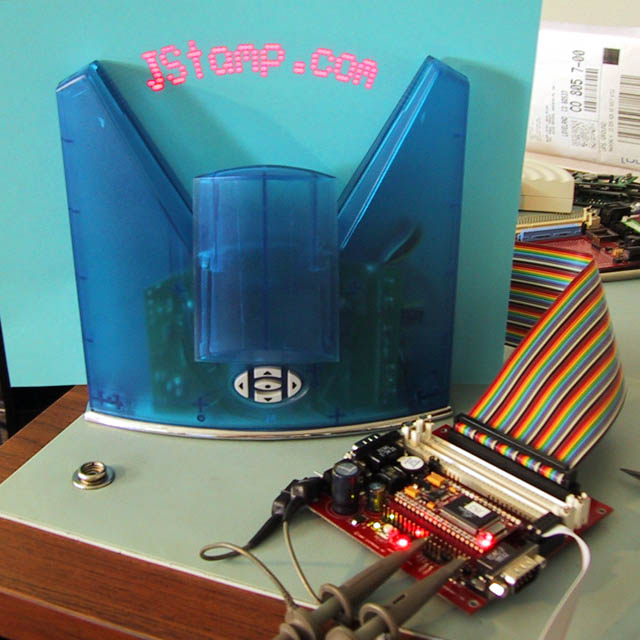
Shown to the left is the Fantazein clock with a JStamp Development Station. The Fantazein controller is replaced by a DIP40 plug, which transitions to a ribbon cable which in turn plugs into the JStamp Development Station 25x2 header. The clock front panel keys (under a sliding cover) control display and debug options in the modified sign. The oscillating wand of the clock is controlled by a 2 KHz (500 usec) thread. At each thread execution tick, the LED wand must be updated. All the code is "pure Java" -- a good illustration of the realtime capability of JStamp's native Java engine. |
|
| Important Notes: the modified sign does not include clock and calendar functions (they could be added to the JStamp code). An SPI-interface clock and calendar chip could be added and we may do this in future. At the moment the modified Fantazein is used as a trade show demonstration and time of day is not needed. These modifications permanently alter the Fantazein and will undoubtedly void your warranty. The sign case shown is an unusual translucent blue - typically they are opaque black. We have a limited number of these translucent Fantazeins and are using them in trade show displays since they look more interesting. | |
|
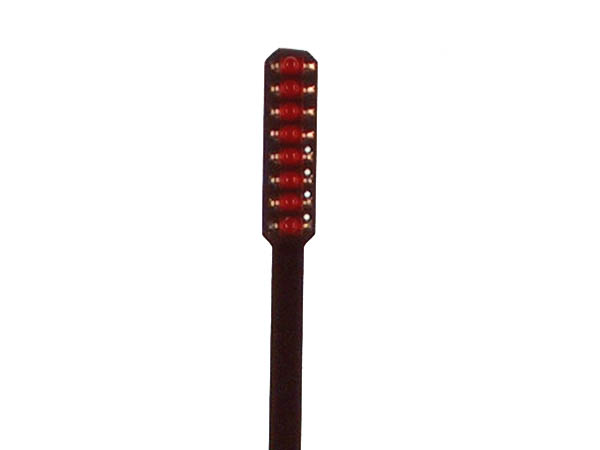
The oscillating wand is actually a printed circuit board with eight surface mount LEDs. It's mounted in a flexible leaf spring and driven by a large electromagnetic coil. It's basically an inverted pendulum which operates near its natural resonant frequency. The LEDs are pulsed as the wand oscillates. The wand moves too quicky for your eye to follow. Your persistence of vision makes the LED image appear to float in space |
|
|
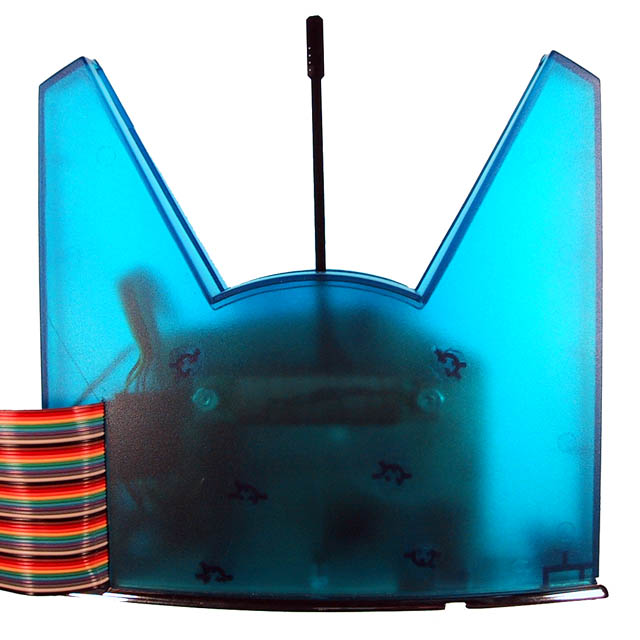
The back of the modified sign. The Fantazein and JStamp combination is powered by the original 12 VDC power adapter. Power is supplied to the JStamp Development Station over the 25x2 ribbon cable. (Half the ribbon cable wires are ground, and only a few of the other half are actually used). The signals on the ribbon cable are JStamp I/O pins. They are not shared by the JStamp internal memory bus, so driving a cable with them does not hinder JStamp internal operation. |
|